|
toolkit has text tool:
|

First you select the font, and enter the desired text. It can span
over
several lines.
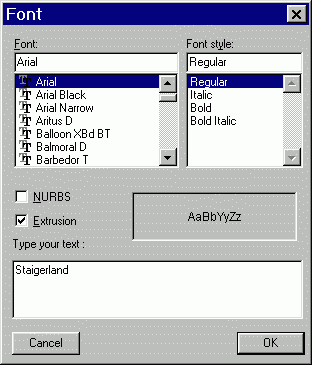

If however you don't want Amapi to apply a default thickness to it:
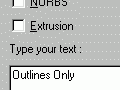
then you'll just get a set of outlines. These are now curves,

which can be filled into a surface with the Extract Surface tool:

But there are many more ways to use this now. You can apply the Thickness tool to these outline paths:
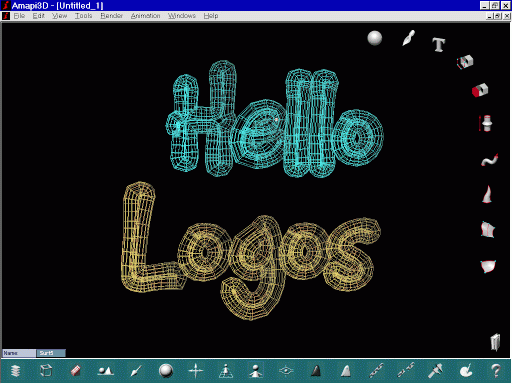
and get some kind of Neon lights effect:
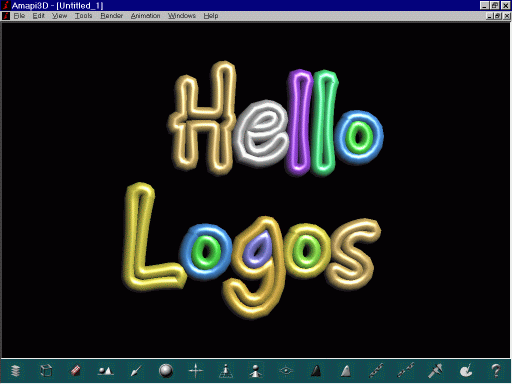
Or, apply more attributes, materials, make parts reflective, cast some soft shadows, etc... and do a cool raytraced 3D logo:

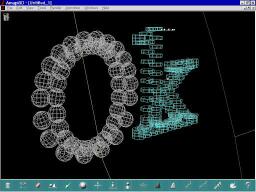
You can even use the outline paths with the Duplication tool. In this case, other objects get replicated along the outline path(s). For example, here's a sphere along the 'O' and a rectangular box along the 'k' for 'Ok'.